Quick answer: Phantom Blade Zero first update is live now on PS5 (v1.302.289) and PC (v1.0302256, 3.7GB on Steam). Hua, Deadly Betrothed grabs less often, but only on Wayfarer and Pathbreaker difficulties. Two new hit sound settings arrive in the audio menu. On PC, startup is much faster because ray tracing shaders are no longer built by default, and Interact and Talk can now be remapped. There is no new content in this patch: no new weapons, bosses, or areas.
Phantom Blade Zero launched 29 Oct 2026 and sold 4 million copies in its first 72 hours, with an all-time Steam peak of 833,921 concurrent players on 1 Nov 2026. S-Game moved fast after that launch. The first major update landed on 4 Nov 2026, and it targets the three things players complained about most in the first days: an early boss fight that felt unfair, combat that did not always feel right, and slow startup times on PC. This guide covers every change that matters, what to do after you install the patch, and what is not in it.
Summary
- Best change: Hua grabs less often on easy and normal, so the early boss fight feels fairer.
- Best PC change: much faster startup, because ray tracing shaders are no longer compiled at boot.
- Best feel change: two new hit sound sliders, so you can tune how punchy every landed blow sounds.
- No change: Hellwalker and 66 Days difficulties are untouched, and there is no new content.
- Do this first: update the game, then check your audio settings and, on PC, expect a one-time shader recompile if ray tracing was off.
1. Hua nerf: the early boss grabs less often
Hua, Deadly Betrothed is the first optional boss in the game, fought in Weeping Creek Valley. She is also tied to a quest connected to the true ending, so most players meet her early whether they want to or not. Her lunging grab is the move that ends runs. It hits hard, and on the lower difficulties it came up often enough that the fight felt less like a skill test and more like a trap.
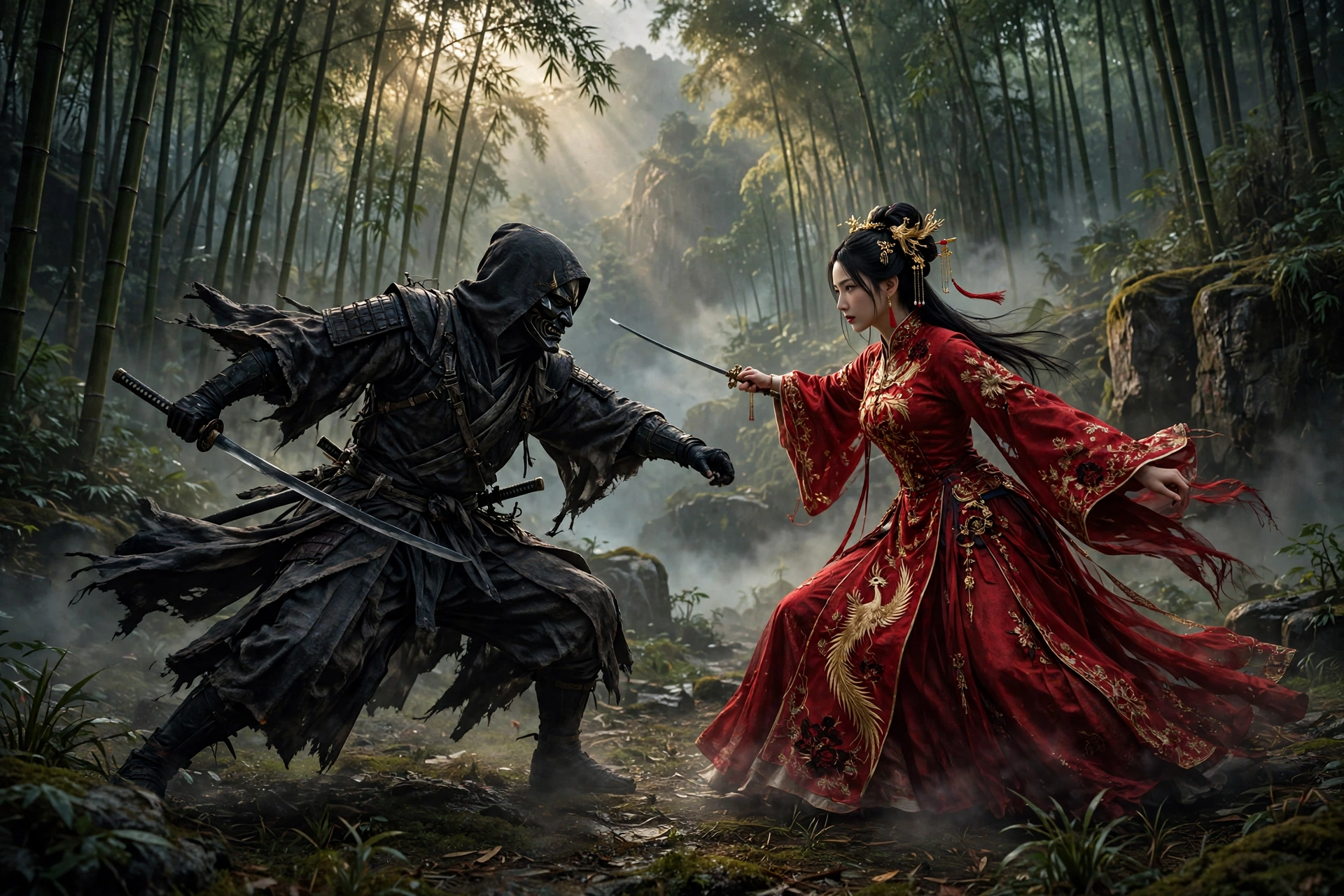
The patch notes say it plainly: “Reduced the frequency of grab attacks used by Hua, Deadly Betrothed on Wayfarer and Pathbreaker difficulties. Other difficulty settings are unaffected.” S-Game gives no exact numbers, so nobody can say how many fewer grabs that means in a fight. What is certain is the scope. The nerf applies only on Wayfarer (easy) and Pathbreaker (normal). If you play on Hellwalker (hard) or in the 66 Days modes, Hua fights exactly as she did before the patch.
That split is the most important detail in the whole update, and it is the one most headlines skip. If you were stuck on Hua on normal, this patch helps you directly. If you beat her on hard and felt proud of it, nothing about your achievement changed. And if you are about to fight her for the first time on normal, expect her to grab less, but do not expect her to stop grabbing. The move is still in her kit, and it still hurts.
| Difficulty | Hua grab frequency after the patch | What changes for you |
|---|---|---|
| Wayfarer (easy) | Reduced | Fewer grabs, a fairer early fight |
| Pathbreaker (normal) | Reduced | Fewer grabs, the fight most stuck players needed |
| Hellwalker (hard) | Unchanged | The same fight as before the patch |
| 66 Days modes | Unchanged | The same fight as before the patch |
Bullet summary
- Hua is the only boss named in the patch notes. No other boss gets a named change.
- The notes also mention adjusted combat behavior for certain bosses and enemies, but without names or numbers.
- Hua is optional, but her quest is tied to the true ending, so the nerf matters to far more players than a normal optional boss would.
- Do not expect a pushover. Her grab is less frequent, not removed.
2. New hit sound options: make every landed blow feel right
Phantom Blade Zero is built on fast, stylish combat, and when a hit lands wrong, the whole fight feels off. This patch adds two new settings to the audio menu: Hit Sound Intensity and Hit Impact Sound Intensity. They let you tune how punchy every landed blow sounds, separately from the rest of the audio.
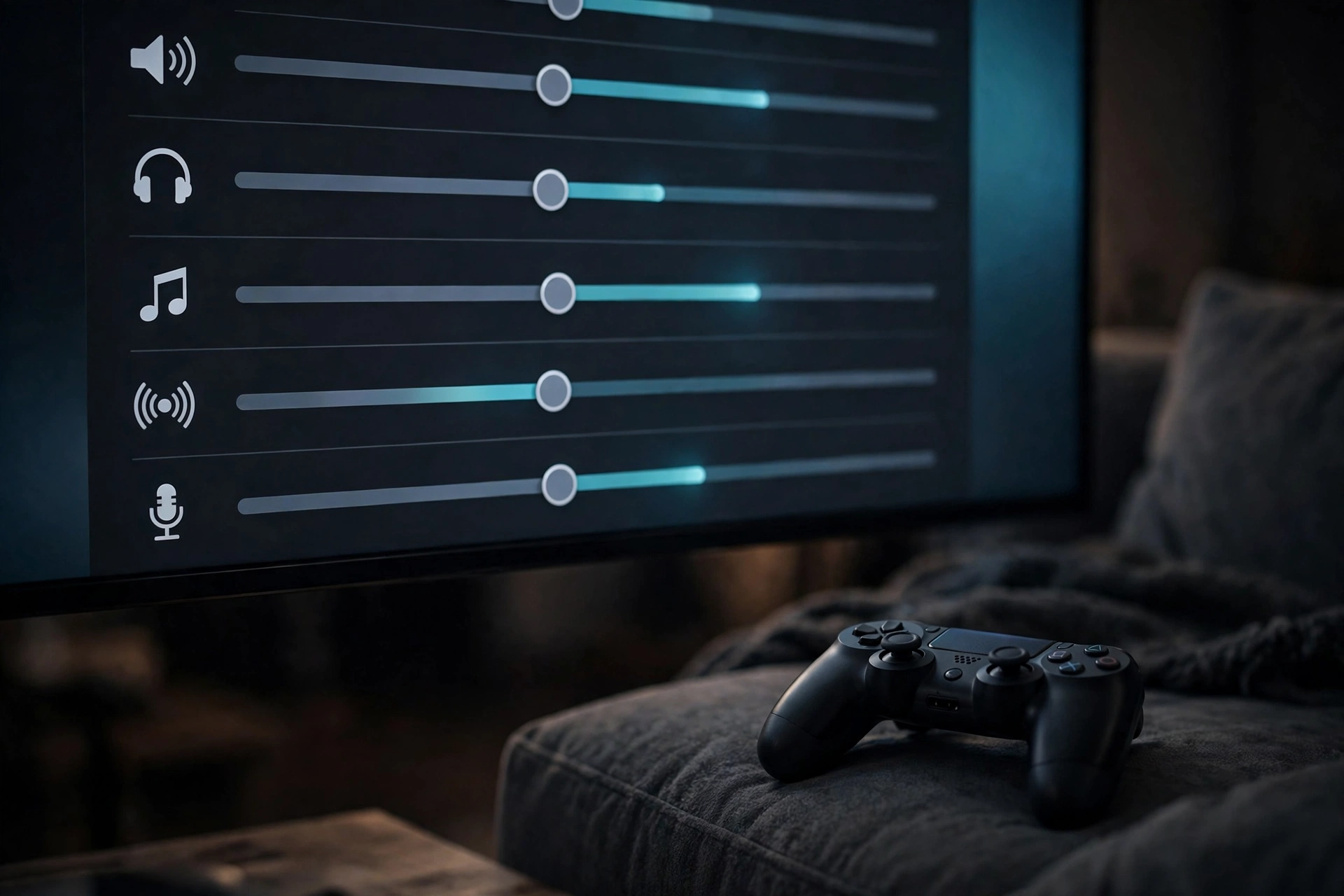
S-Game also improved weapon hit feedback across the board and adjusted the volume of certain sound effects and dialogue. Weapon descriptions, certain skill descriptions, and controller button icons were updated too. Taken together, this is a combat feel pass, not a balance pass. Nothing about weapon damage is listed as changed. What changes is how the combat sounds and reads while you play.
Try the new sliders before you decide you do not need them. If hits felt soft or muddy to you at launch, raise Hit Sound Intensity a little and see whether the combat clicks. If the impact sounds were too loud and drowned out the music or dialogue, lower them. Small changes here make a real difference in a game where you land hundreds of hits per hour.
| Setting | Where to find it | What it does |
|---|---|---|
| Hit Sound Intensity | Audio settings | Controls how loud and punchy hit sounds are |
| Hit Impact Sound Intensity | Audio settings | Controls the weight of impact sounds when blows land |
| Weapon hit feedback | Applied automatically | Improved feel when weapons connect |
Bullet summary
- Both new settings are in the audio menu. No restart is needed to change them.
- The patch also adjusts the volume of certain sound effects and dialogue.
- Weapon and skill descriptions were updated, so re-read a weapon if its text looks different.
- No weapon damage or moveset changes are listed in the patch notes.
3. Faster startup and better performance on PC
This is the change PC players will notice first, before they even reach a fight. The patch updates the shader compilation process to significantly reduce startup times. Ray tracing shaders are no longer compiled by default at startup, which is what used to make the game sit on a loading screen for so long.
There is one catch to know about before you panic. If you previously had ray tracing disabled, you will need to recompile shaders on your first launch after installing this patch. This is a one-time process and should take only a short time. If you previously had ray tracing enabled, you can start playing without recompiling. If you enable ray tracing later in the settings, the required shaders are compiled separately the next time you restart the game. A single slow first boot after the patch is normal, not a broken install.
The patch also improves performance in certain areas, reduces stuttering that could occur when using a controller connected via Bluetooth, and fixes NVIDIA Reflex so it now works when set to Auto with V-Sync enabled. None of these come with measured numbers, so do not expect a promised frame rate jump. What you should expect is a smoother path into the game and fewer hitches once you are in it.
If you want more frames after this patch, the settings still matter more than the patch does. Our Phantom Blade Zero Best Settings for Max FPS guide at https://savygames.com/phantom-blade-zero-best-settings-max-fps/ covers the tested settings, including the frame generation threshold and the High-Quality Hair setting that costs about 19 percent of performance. Use this patch for the faster startup, and use that guide for the frame rate.
| PC change | Who it helps | What to expect |
|---|---|---|
| Ray tracing shaders not compiled at startup | Every PC player | Much faster boot, significantly reduced startup time |
| One-time shader recompile | Players who had ray tracing off | One slow first launch, then normal boots |
| Bluetooth controller stutter reduced | Bluetooth controller players | Fewer hitches while playing |
| NVIDIA Reflex on Auto with V-Sync | Reflex users | Reflex now works in this combination |
| Performance improved in certain areas | Every PC player | Smoother play, no measured numbers given |
Bullet summary
- The startup improvement comes from shader compilation, not from a graphics downgrade.
- Expect one slow first launch if ray tracing was off. That is the recompile, and it happens once.
- Bluetooth controller stutter is reduced, not necessarily gone for every setup.
- For frame rate, pair this patch with our tested Max FPS settings guide.
4. How to get the update and what to do after installing it
The update is live now on PS5 and PC. On Steam it is a 3.7GB download, and Steam downloads it on its own the next time the game updates. On PS5 it appears as version 1.302.289. The patch first appeared on WeGame in China on 3 Nov 2026, then rolled out worldwide on 4 Nov 2026.
Follow these steps after the download finishes. They take a few minutes and cover the three things players most often miss: the version check, the audio settings, and the mod warning.
How to update and set up the patch
- Let the update download. On Steam, check that the game shows version 1.0302256. On PS5, check for version 1.302.289.
- On PC, if you had ray tracing disabled, expect a one-time shader recompile on your first launch. Let it finish before you judge the startup time.
- Open the audio settings and try the two new sliders, Hit Sound Intensity and Hit Impact Sound Intensity. Set them to a level where hits feel punchy without drowning out dialogue.
- On PC, remap Interact and Talk if the default keys never suited you. The patch adds remapping support for both keyboard and controller.
- If you use mods, remove them before you play. Some third-party mods are not compatible with this update, and the patch notes say to remove installed mods if problems start after updating.
- If you were stuck on Hua on Wayfarer or Pathbreaker, fight her again. Her grabs come up less often now.
| Step | Platform | Why it matters |
|---|---|---|
| Check the version | PS5 and PC | Confirms the patch actually installed |
| Let the shader recompile finish | PC, ray tracing off | One slow first boot is normal, not a fault |
| Try the new audio sliders | PS5 and PC | Combat feel is the point of this patch |
| Remap Interact and Talk | PC | New option, only useful if you set it |
| Remove incompatible mods | PC | Mods can break after this update |
| Retry Hua on easy or normal | PS5 and PC | The nerf only helps on those difficulties |
Bullet summary
- The update is 3.7GB on Steam. Make sure you have the space before you start.
- Check the version number, not just the download. A finished download that did not apply helps no one.
- Remove mods first if anything behaves strangely after the patch.
- Do not reinstall the game over a slow first boot on PC. That is the one-time shader recompile.
5. What is not in this patch
Do not download 3.7GB expecting new content, because there is none. There are no new weapons, bosses, or areas in this update, and S-Game has not announced a date for a larger content patch. This is a hotfix in scale, even though S-Game calls it the first major update. It fixes the launch, it does not extend it.
The patch also fixes a list of bugs: issues that could prevent progression under certain conditions, environmental issues that could cause the player character to become stuck, various issues with cutscenes and visuals, several combat-related issues, and character hair rendering incorrectly on certain AMD graphics cards with specific driver versions. These are welcome, but they are fixes, not features.
The sensible read is that this is patch one of many. Boss tuning, weapon feel, and performance are exactly the categories that get revisited again and again in a live action game. The next patch notes will tell us a lot about how S-Game wants the endgame to feel, and whether more bosses get the Hua treatment. For now, this patch makes the early game fairer, the combat feel better, and the PC version faster to start.
| In this patch | Not in this patch |
|---|---|
| Hua grab nerf on easy and normal | New weapons |
| Two new hit sound settings | New bosses |
| Faster PC startup | New areas |
| Interact and Talk remapping on PC | A date for a content patch |
| Bluetooth stutter and Reflex fixes | New story content |
| Progression and visual bug fixes | Weapon damage changes |
Bullet summary
- No new weapons, bosses, or areas. Do not expect them.
- No date has been announced for a larger content patch.
- Bug fixes cover progression blockers, getting stuck, cutscenes, visuals, combat issues, and AMD hair rendering.
- The patch is worth installing for the startup and feel fixes alone, even with no new content.
Frequently asked questions
Is the Phantom Blade Zero first update live now?
Yes. The update is live on PS5 and PC. It rolled out worldwide on 4 Nov 2026, after appearing first on WeGame in China on 3 Nov 2026. On PS5 it is version 1.302.289. On PC it is version 1.0302256, a 3.7GB download on Steam.
Did the first update nerf Hua?
Yes. Hua, Deadly Betrothed uses grab attacks less often after the patch, but only on Wayfarer and Pathbreaker difficulties. The patch notes give no exact numbers, so no percentage is claimed. Hellwalker and the 66 Days modes are unaffected.
Does the Hua nerf apply on hard difficulty?
No. The nerf applies only on Wayfarer (easy) and Pathbreaker (normal). On Hellwalker (hard) and in the 66 Days modes, Hua fights exactly as she did before the patch.
What are the new hit sound settings?
Two new audio settings: Hit Sound Intensity and Hit Impact Sound Intensity. They sit in the audio menu and let you tune how punchy landed hits sound. The patch also improves weapon hit feedback and adjusts the volume of certain sound effects and dialogue.
Why is Phantom Blade Zero slow to start after the update on PC?
If you had ray tracing disabled before the patch, the game recompiles shaders on your first launch after installing it. This is a one-time process and should take only a short time. After that, startup should be much faster, because ray tracing shaders are no longer compiled by default at startup.
Does the first update add new content?
No. There are no new weapons, bosses, or areas in this update, and S-Game has not announced a date for a larger content patch. The update is fixes and tuning: the Hua nerf, hit sound settings, faster PC startup, and bug fixes.
Do mods still work after the Phantom Blade Zero first update?
Some third-party mods are not compatible with this update. The patch notes say to remove installed mods if problems start after updating. Remove your mods before you play if anything behaves strangely after the patch.
The short version
Phantom Blade Zero first update is a fast, targeted fix, not a content drop. Hua grabs less often on easy and normal, and not at all less on hard. Two new hit sound sliders let you tune combat feel. PC startup is much faster once the one-time shader recompile is done. Update the game, try the audio settings, remove incompatible mods, and if Hua stopped you on normal, go and fight her again.
Related Phantom Blade Zero guide
- Phantom Blade Zero Best Settings for Max FPS: https://savygames.com/phantom-blade-zero-best-settings-max-fps/