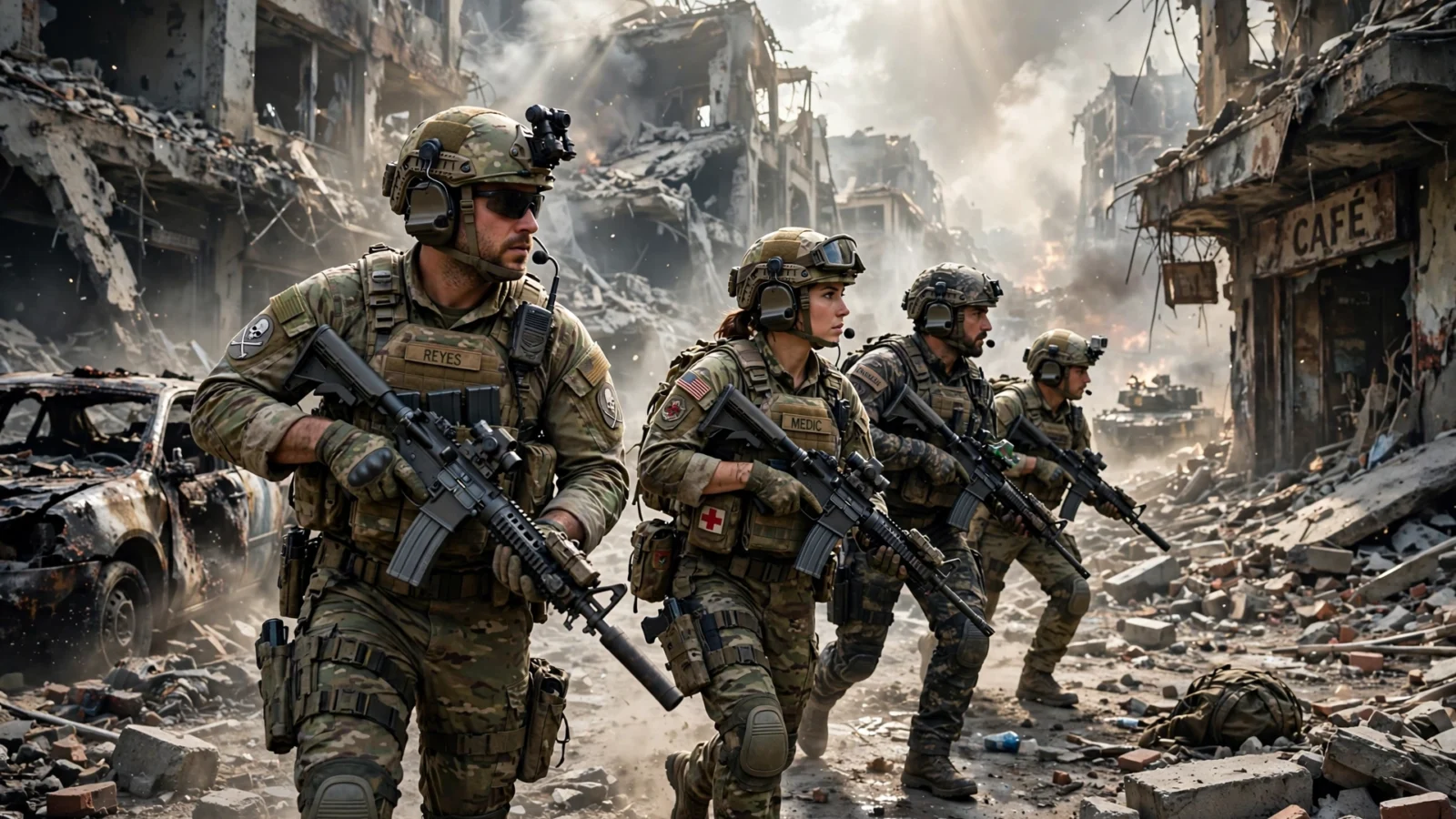
Starting Battlefield 6 for the first time can feel like being dropped into a war with no briefing. Tanks are rolling past, flags are changing hands, and a sniper you never saw just ended your run. I have been there, and the first few matches are honestly the hardest part. Once you understand what the game actually rewards, it clicks fast.
This Battlefield 6 beginner’s guide covers the classes, modes, settings and habits that help a new player survive longer, help the team more, and enjoy those huge battles instead of feeling lost in them.
What Battlefield 6 is really about
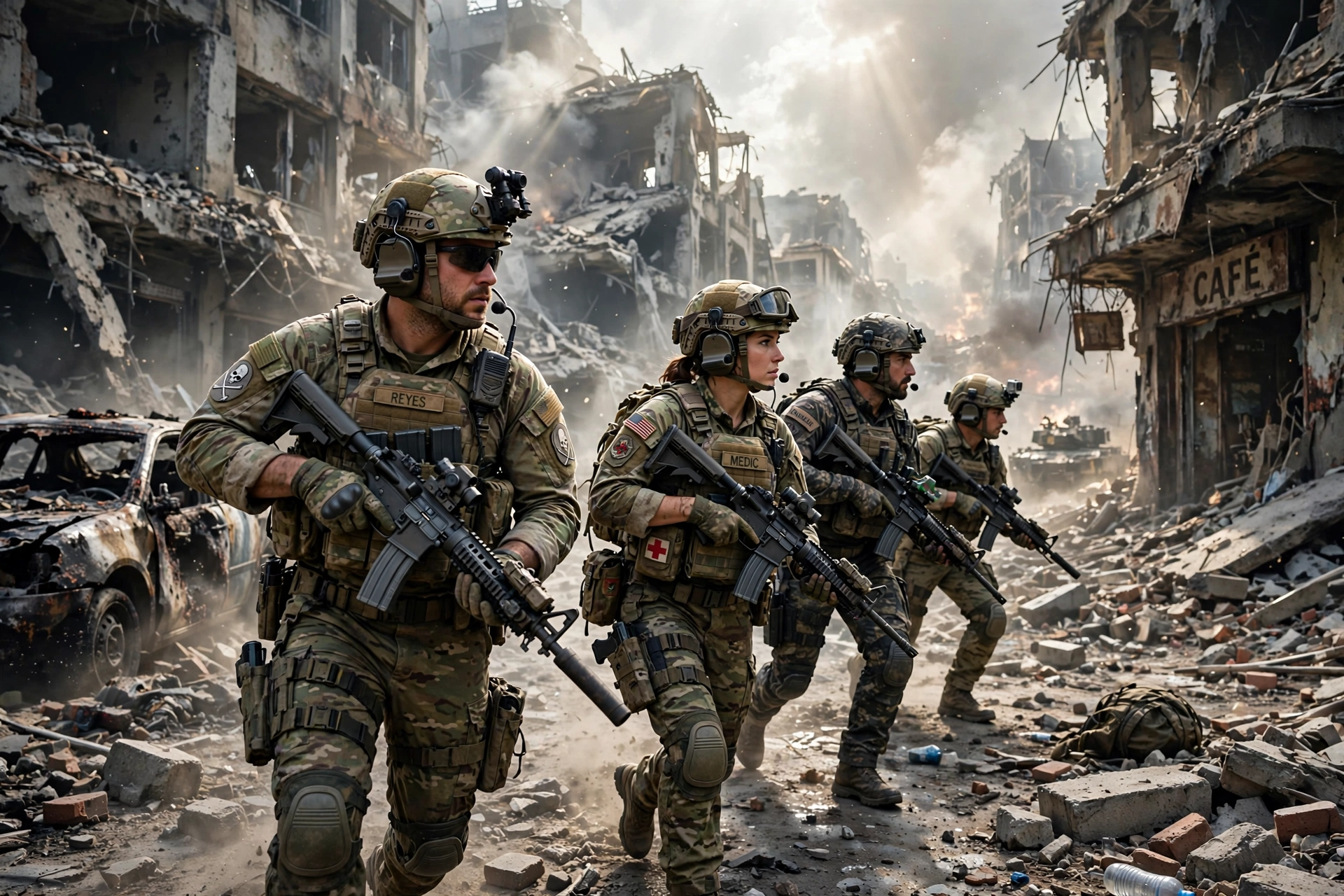
Here is the mindset shift that matters most. Battlefield 6 is not really about who gets the most kills. It is about objectives. Your team wins by capturing and holding ground, pushing a front line forward, or draining the enemy team’s tickets. A player who captures a flag, revives a squadmate or spots a flanking enemy often does more for the win than someone camping far away for a slightly better kill count.
That also explains why the maps feel so big and chaotic. You are not meant to fight the whole enemy team at once. Pick a fight you can win, with your squad, near an objective that matters. When I stopped running straight into the middle of every map and started moving along the edges, using cover and thinking about where my squad was spawning, I started living a lot longer. Vehicles fit the same picture: respect them, do not stand in open ground when armour is around, and never try to win a rifle fight against a tank.
What class should I play first in Battlefield 6?
Battlefield 6 brings back four classic classes, each with a signature weapon type and a job the team genuinely needs. You can switch classes when you respawn, so nothing is permanent, but the right starting pick makes learning much less painful.
- Assault — start here. The frontline fighter, proficient with assault rifles, with an Adrenaline Injector that gives speed and resistance for aggressive pushes. It is forgiving, works at the ranges most early fights happen at, and teaches you the flow of a match.
- Engineer — the vehicle problem-solver. Proficient with submachine guns and carrying the Repair Tool, which fixes friendly vehicles and damages enemy ones. Pick Engineer when tanks and helicopters are ruining your team’s day.
- Support — the team’s backbone. Proficient with light machine guns, keeping a push alive with ammunition, healing and revives. A brilliant second class once you know the maps a little.
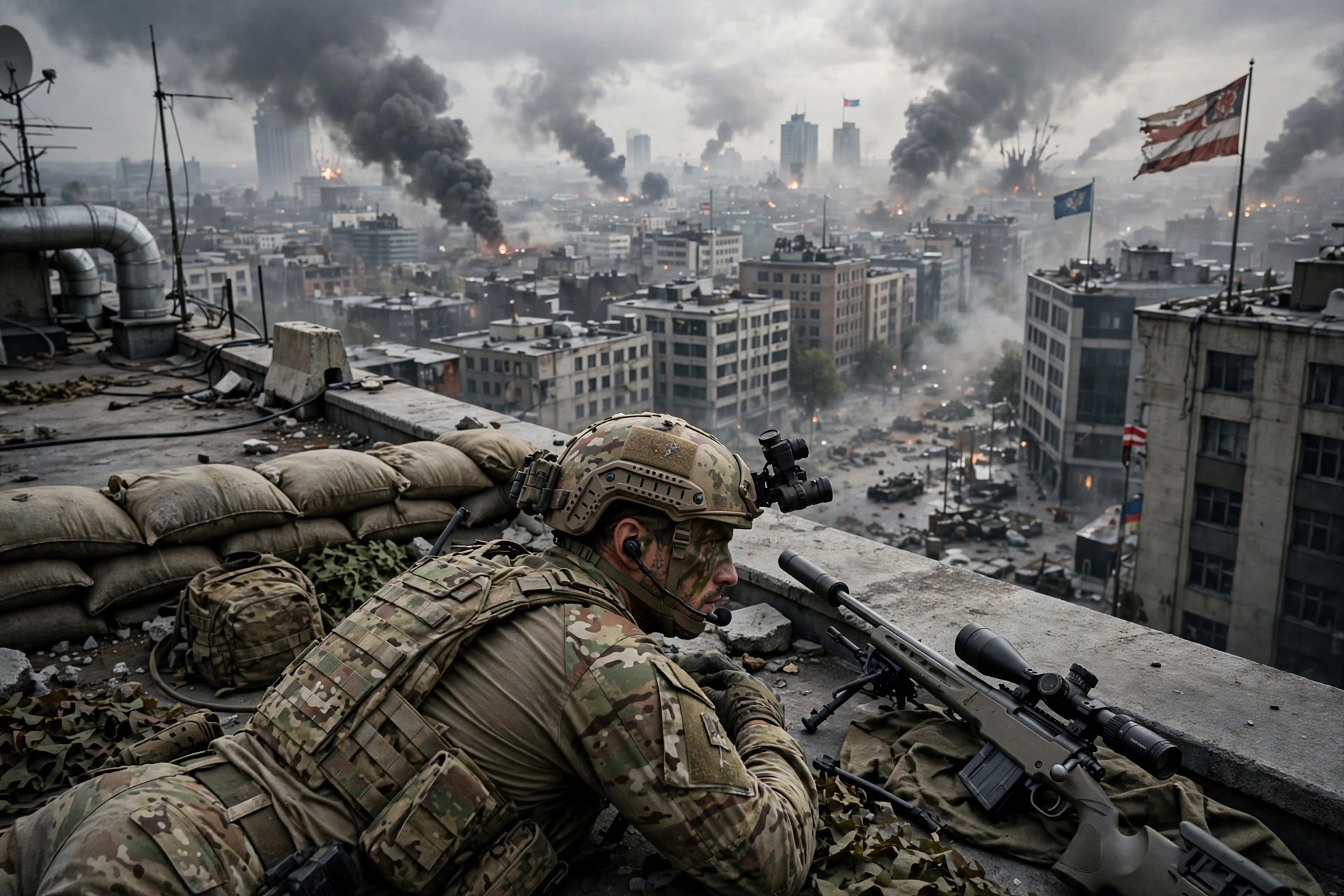
- Recon — the spotter. Proficient with sniper rifles and built around spotting enemies and controlling sightlines. Powerful, but it punishes poor positioning more than any other class, so leave it until you can read a map.
One detail worth knowing: in standard modes weapons are generally open, but using your class’s signature weapon type unlocks class-only bonuses. Some playlists use closed weapons, which do lock each class to its signature type, so check the mode before building a loadout.
How do Conquest and Breakthrough work?
Conquest is the classic Battlefield mode and the best place to learn. Two teams fight over flags, usually labelled A through F, on a large map with vehicles in play. Capturing a flag takes time on the point, and holding more flags drains the enemy team’s tickets. The winning habit is simple: go where your team is thin, not where the fighting is already thickest. An undefended flag is worth more than a fifth player in a lost firefight.
Breakthrough is more linear and easier to read. One team attacks through a series of sectors while the other defends. Attackers need momentum and squad spawns; defenders need patience and crossfire. If you are attacking, push together. One player sprinting alone into a defended sector is just feeding the defenders kills. Smaller modes such as Domination and King of the Hill strip vehicles away for tight infantry fights, and they are great practice if the big maps feel overwhelming.
8 beginner tips that actually help
You do not need complicated strategies. You need a few habits, repeated every match until they are automatic.
- Play the objective, not the kill feed. Capture, defend and revive. That is how matches are won.
- Move from cover to cover. Short moves, a pause to look, then move again. Sprinting across open ground is the most common beginner mistake.
- Watch the minimap constantly. It shows where teammates are dying, where flags are flipping, and where you are about to walk into trouble.
- Spawn on your squad, not at base. A squad spawn puts you straight back near an objective instead of a long, lonely run.
- Fire in short bursts at range. Holding the trigger feels powerful and misses a lot. Short bursts keep your aim honest.
- Revive when it is safe. A revive that gets you both killed helps nobody. Clear the area first.
- Learn one map at a time. Learn its flags, lanes and danger spots, and you will stop dying to surprises you could have predicted.
- Switch class for the problem in front of you. Tanks dominating? Go Engineer. Squad out of ammo? Go Support. Stubbornness is not a strategy.
For a second shooter to practise the same habits in, our Modern Warfare 4 beginner’s guide covers multiplayer fundamentals that transfer surprisingly well, even though the pace is different.
What are the best settings for Battlefield 6 on PC?
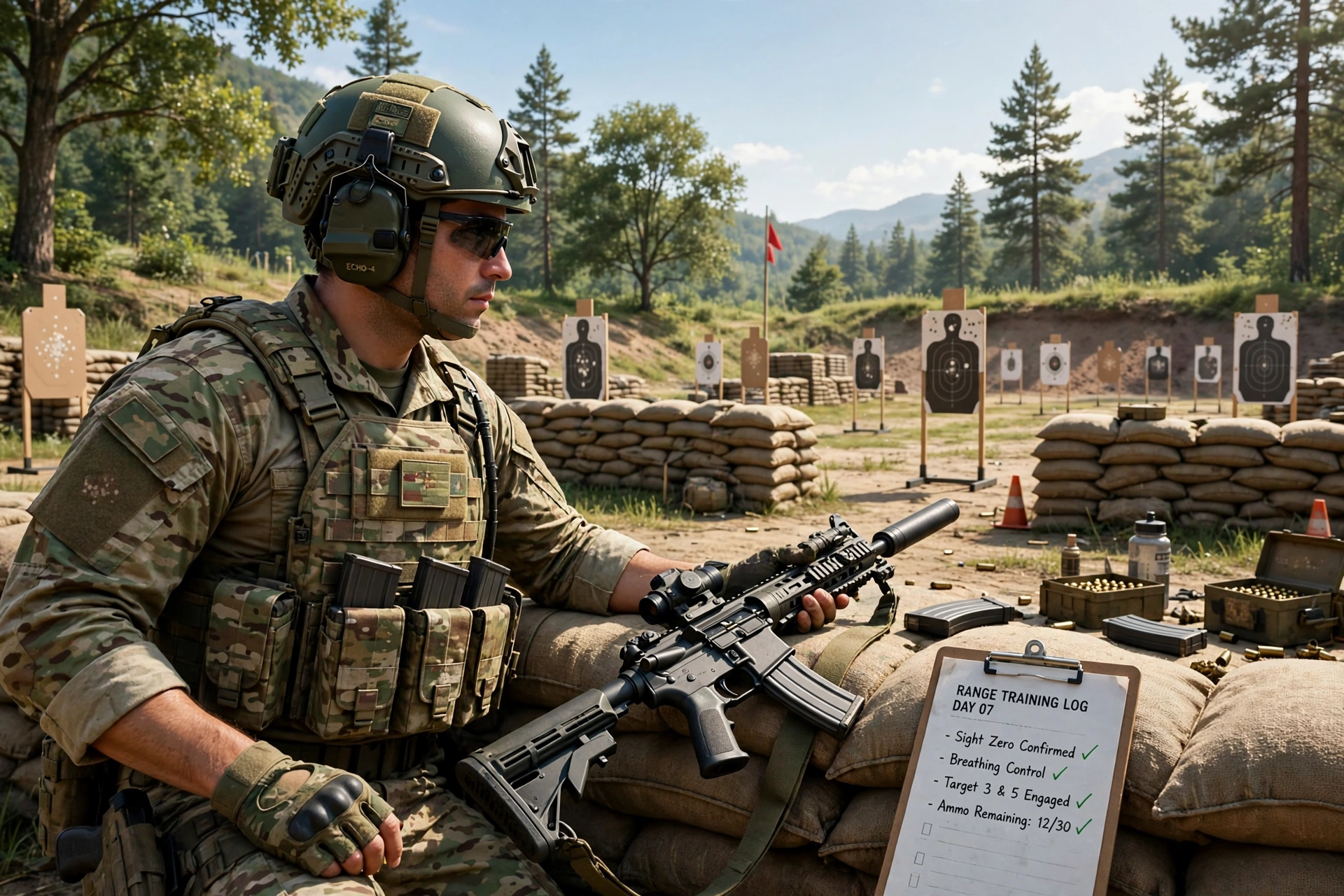
There is no single magic setting. What works is a stable frame rate, a clear picture and low input lag, in that order. A smooth 90 frames per second you can trust beats a jumpy 140 that stutters every time an explosion goes off.
- Field of view: many guides suggest around 100 for better awareness without a distorted feel. Adjust a little either way for comfort.
- Motion blur, film grain and chromatic aberration: turn these off or down. They cost clarity in a firefight and add nothing to your aim.
- V-Sync: off in game if you use a variable refresh display, and cap your frame rate a few frames below your monitor’s refresh rate, for example around 141 on a 144Hz screen.
- Upscaling: DLSS, FSR or XeSS on Quality is the sensible first step. Drop to Balanced or Performance only if a weaker card still struggles.
- Textures by video memory: Medium or High is safer on 6 to 8GB cards, while High or Ultra suits 10GB and above.
- Shadows and volumetric effects first: if you need frames back, lower these before touching resolution. They are heavy settings and the least important for spotting enemies.
- Frame generation: useful only once your base frame rate is already solid. On top of a struggling 50 frames per second, it often feels worse, not better.
Test changes on the same map for a few minutes and watch for stutters, not just the average frame rate. Our CS2 best settings guide and ARC Raiders best settings guide use the same rule: stability first, eye candy second.
Battlefield 6 PC requirements and why it may not launch
This section saves new PC players the most frustration, because Battlefield 6 has a launch requirement unrelated to your graphics card. EA’s official minimum specification calls for Windows 10, an Intel Core i5-8400 or AMD Ryzen 5 2600, 16GB of RAM, and an RTX 2060, RX 5600 XT or Intel Arc A380, targeting 1080p at 30 frames per second on Low settings. The recommended specification steps up to Windows 11, a Ryzen 7 3700X or Core i7-10700, and an RTX 3060 Ti or RX 6700 XT with 8GB of video memory, with an SSD and around 80GB of space.
On top of that, the game requires TPM 2.0 and UEFI Secure Boot to be enabled, because of its Javelin anti-cheat. If either is off, the game simply will not launch. The fix is in your motherboard’s UEFI or BIOS settings, where TPM is sometimes listed as fTPM on AMD systems or PTT on Intel systems. If you are unsure, check your motherboard maker’s guide before changing BIOS settings.
For the full official numbers, see EA’s Battlefield 6 system requirements page and EA’s Secure Boot information article.
How do I get better at Battlefield 6 fast?
Getting better is mostly about removing wasted deaths. Play one class for a week, not all four in one evening, and learn one map properly before worrying about the rest. After a bad death, ask one question: was I out of position, outnumbered, or out in the open? Most beginner deaths are one of those three, and all three are fixable without better aim. Copy one good habit per session from a teammate who defends well, and give yourself a break when a match swings against you. Battlefield matches turn fast, and the players who stay calm through that swing are usually the ones still alive at the end.
Battlefield 6 beginner FAQ
What is the best class for beginners in Battlefield 6? Assault. Its assault rifles are reliable at most ranges, its Adrenaline Injector helps aggressive pushes, and it teaches the game’s flow without a specialist job to juggle.
Does Battlefield 6 need Secure Boot on PC? Yes. EA requires TPM 2.0 and UEFI Secure Boot for its Javelin anti-cheat, and the game will not launch on PC if they are disabled.
Is Battlefield 6 good for solo players? Yes, if you play with your squad rather than alone. Use squad spawns, stick near teammates, and pick a class that fills a gap.
Battlefield 6 rewards patience, teamwork and map knowledge more than raw reflexes, and that is good news for a beginner. Start with Assault, play the objective, learn one map, and set your PC up for stability over flash. Do that for a week and the game stops feeling chaotic. It starts feeling like yours.