
Modern Warfare 4 arrived on October 23, 2026, for PC, PlayStation 5, Xbox Series X|S and Nintendo Switch 2, and it went straight to the top of Steam’s best-seller chart. If you’re dropping into multiplayer for the first time — or you’re back after some time away — this Modern Warfare 4 beginner’s guide should help you get through those opening matches, get your head around the new movement, and start winning gunfights instead of handing kills to the other team.

How Do You Play Modern Warfare 4 Multiplayer?
First thing to understand: multiplayer in Modern Warfare 4 is a team game above all else. Pretty much every mode — Team Deathmatch, Domination, Hardpoint, the lot — rewards players who stay with their squad, keep an eye on the lanes, and actually play the objective. Running off on your own and sprinting across the map usually ends the same way: a quick death and a respawn timer.
Before your first proper match, give yourself 15 minutes in the game’s mobility course, which you’ll find in the multiplayer playlist menu. It comes in beginner, intermediate and expert difficulties, walks you through the new movement system, and even throws in rewards for finishing it. Honestly, learning the moves somewhere safe beats trying to figure them out while someone’s shooting at you.
Pick a forgiving mode to start. Team Deathmatch teaches you the gunplay without any objective pressure hanging over you, while Domination teaches you map control. Hold off on Search and Destroy — one life per round — until you actually know the maps.
How Does Movement Work in Modern Warfare 4?
Modern Warfare 4 leaves behind the omnimovement system from the last two Black Ops games. Infinity Ward has reworked mantling and sliding, and added three new traversal moves that the maps are designed around:
- Mantle slide: hit slide while mantling over an obstacle and you keep your momentum with your gun up — ideal for crossing parked cars on maps like Silkworm without losing speed.
- Pipe climbs: copper-colored drainpipes let you climb onto rooftops and ledges that once needed a ladder. Spot a copper pipe and you’ve found a route, not just decoration.
- Supine slide: slide under garage doors on maps like Lithium and under some vehicles to open up flank routes your enemies won’t be expecting.
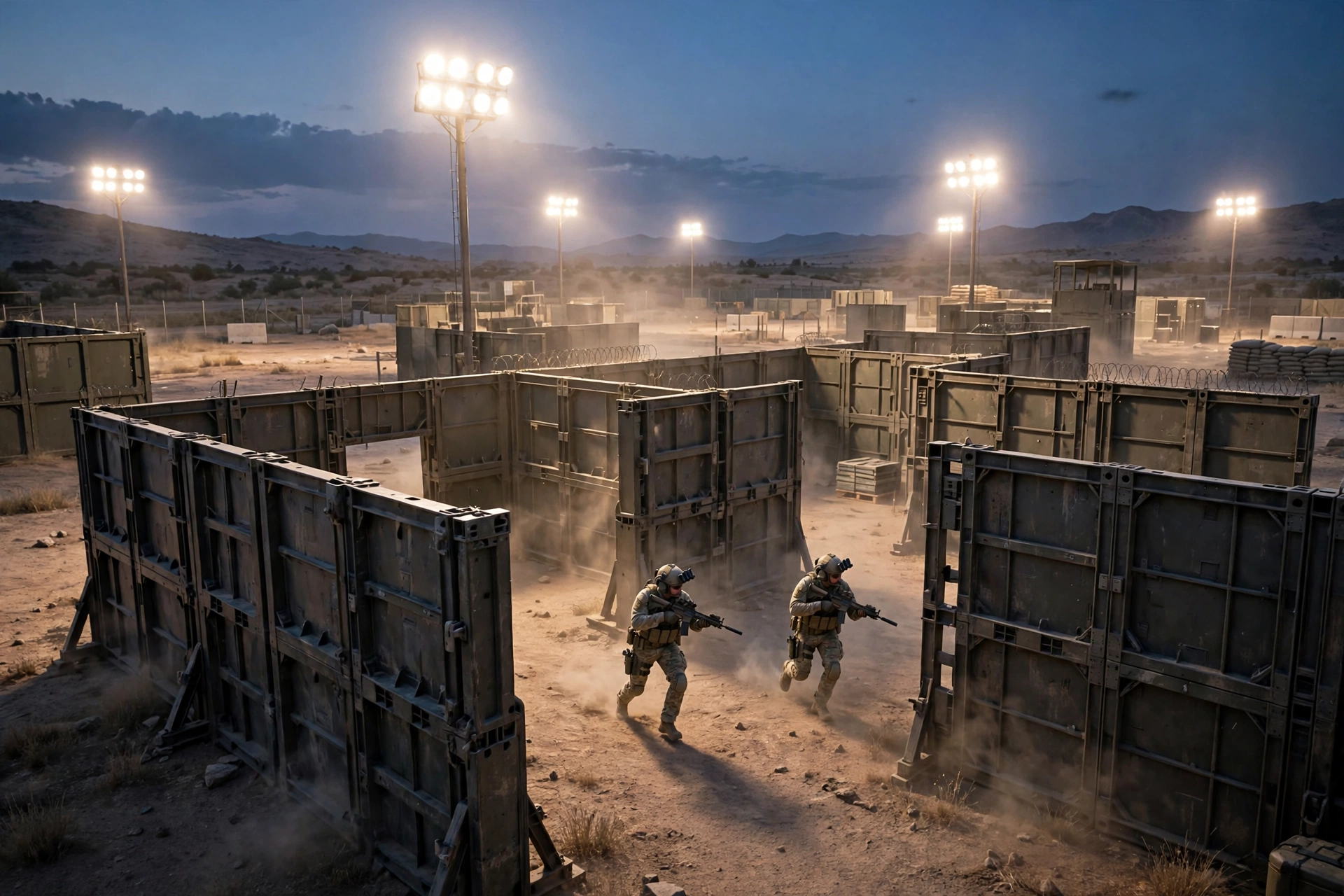
There’s another big shift worth knowing: Infinity Ward deliberately trimmed the cover on MW4’s maps. Multiplayer creative director Geoff Smith has said that fewer places to check makes the game quicker, because fights break out sooner and more in the open. GameSpot’s multiplayer tips land on the same point: map awareness and sound count for more than ever when cover is thin on the ground. Sitting behind a wall waiting for someone to peek works far less often than it did in Modern Warfare III. Instead, decide on your next position before you leave your current one, and if a push keeps failing, try a different route rather than feeding the same player again and again.
What Are the Best Settings for Beginners in Modern Warfare 4?
There’s no one perfect setup, but a comfortable baseline makes a world of difference. Before you grind through matches, get these basics sorted:
- Field of view (FOV): push it above the default so you can take in more of your surroundings. Plenty of players settle around 100–110 on PC, but go with what feels natural and stick with it.
- Sensitivity: if you keep overshooting enemies when you aim, nudge it down a little. If turning to face opponents feels sluggish, nudge it up a touch. Small tweaks beat wild swings every time.
- Motion blur and visual clutter: switch world and weapon motion blur off so enemies stay sharp while you’re moving.
- Button layout: give the Tactical layout a try — it moves melee off the stick click, so an accidental press won’t trigger a melee in the middle of a gunfight.
- Audio: play with a headset. Footsteps and reload sounds are real intel in Modern Warfare 4, and good audio tells you where enemies are before you ever see them.
On PC, use Fullscreen Exclusive display mode, turn V-Sync off, and switch NVIDIA Reflex Low Latency on to cut input delay. Let the game’s shader preloading finish before you queue, or your first matches might stutter. Dot Esports’ full MW4 PC graphics settings guide goes through every option for max FPS and visibility if you want to fine-tune further. On Xbox Series X|S, turning on 120 Hz output in the console’s video settings and picking the 120 Hz game mode roughly doubles your frame rate in multiplayer, at the cost of some internal resolution. Our CS2 best settings guide covers the same performance-first thinking in another shooter, if you want the general principles.
Should You Hipfire or Aim Down Sights in MW4?
Short answer: both — but hipfire is much stronger in Modern Warfare 4 than in past games. Infinity Ward removed weapon bloom, the mechanic that used to spread your bullets when firing from the hip. Now, where you aim is where your shots land, even without aiming down sights.
That makes hipfire the right choice in close-range fights: if someone slides around a corner at you, don’t waste time raising your sights — just fire. Keep aiming down sights for medium and long range, where the zoom and steadier recoil genuinely help. Run through both in the mobility course until switching between them feels automatic.
How Do You Win More Gunfights?
Good aim helps, no doubt — but most fights in Modern Warfare 4 are actually won before the first shot, by where you’re standing and what you already know. A few habits make that difference:
- Pre-aim common angles. When you round a corner, your crosshair should already be at head height on the spot an enemy is most likely to show up — not aimed at the floor.
- Do not take 1v3 fights. If you’re outnumbered and out of position, reposition or wait for a teammate. A fight you avoided losing beats a kill traded for your death.
- Use sound. Enemy footsteps, reloads and equipment sounds tell you when to push and when to hold still. Sprinting everywhere gives your own position away, so slow down before you walk into a risky area.
- Learn one map at a time. Memorize the lanes, the power positions and the flank routes on a single map before you worry about the rest. Callouts get a lot easier once you actually know the map — the grid letters and numbers along the map’s edges help with that.
How Do You Play the Objective and Help Your Team?
In objective modes, kills are a means to an end, not the end itself — and it’s easy to forget that when you’re on a streak. In Domination, holding two of the three flags wins games, full stop. In Hardpoint, standing in the hill and rotating early to the next one matters more than a pretty kill-death ratio, even if the scoreboard doesn’t make it look that way.
Communication makes all of this easier. A headset with a mic is ideal, but if you’d rather not talk — lobbies can be rough — Modern Warfare 4 has a solid ping system on the D-pad. Ping enemies and important locations to share intel without saying a word. And party up with friends when you can: reliable teammates who watch your back and make callouts will lift your win rate more than any loadout tweak.

Modern Warfare 4 Beginner FAQ
What are the best beginner settings for Modern Warfare 4? Start with a higher FOV, a sensitivity you can control, motion blur off, and a headset for audio cues. On PC, add Fullscreen Exclusive, V-Sync off and NVIDIA Reflex on. On console, enable 120 Hz output if your TV supports it. Then leave the settings alone and let muscle memory build.
How do you slide in Modern Warfare 4? Sprint and press crouch to slide, and combine it with mantling for the new mantle slide, which keeps your momentum and your gun up. You can also use the supine slide to slip under garage doors and some vehicles. Practice all three in the mobility course before trying them in a live match.
Is Modern Warfare 4 worth it in 2026? If you enjoy fast, team-based multiplayer shooters, the launch signs are strong: it debuted at No. 1 on Steam’s top-seller chart, the new movement system gives the gunplay a fresh feel, and the campaign, multiplayer and the returning DMZ extraction mode give you plenty to play. Our Modern Warfare 4 review roundup collects what critics thought, and our Modern Warfare 4 launch day guide covers the maps and modes in detail.
None of this clicks in a single session, and that’s normal. Learn one map properly, get comfortable with the new movement, play for the team instead of the killfeed — do that for a week and you’ll feel the difference, match by match. See you on the battlefield.