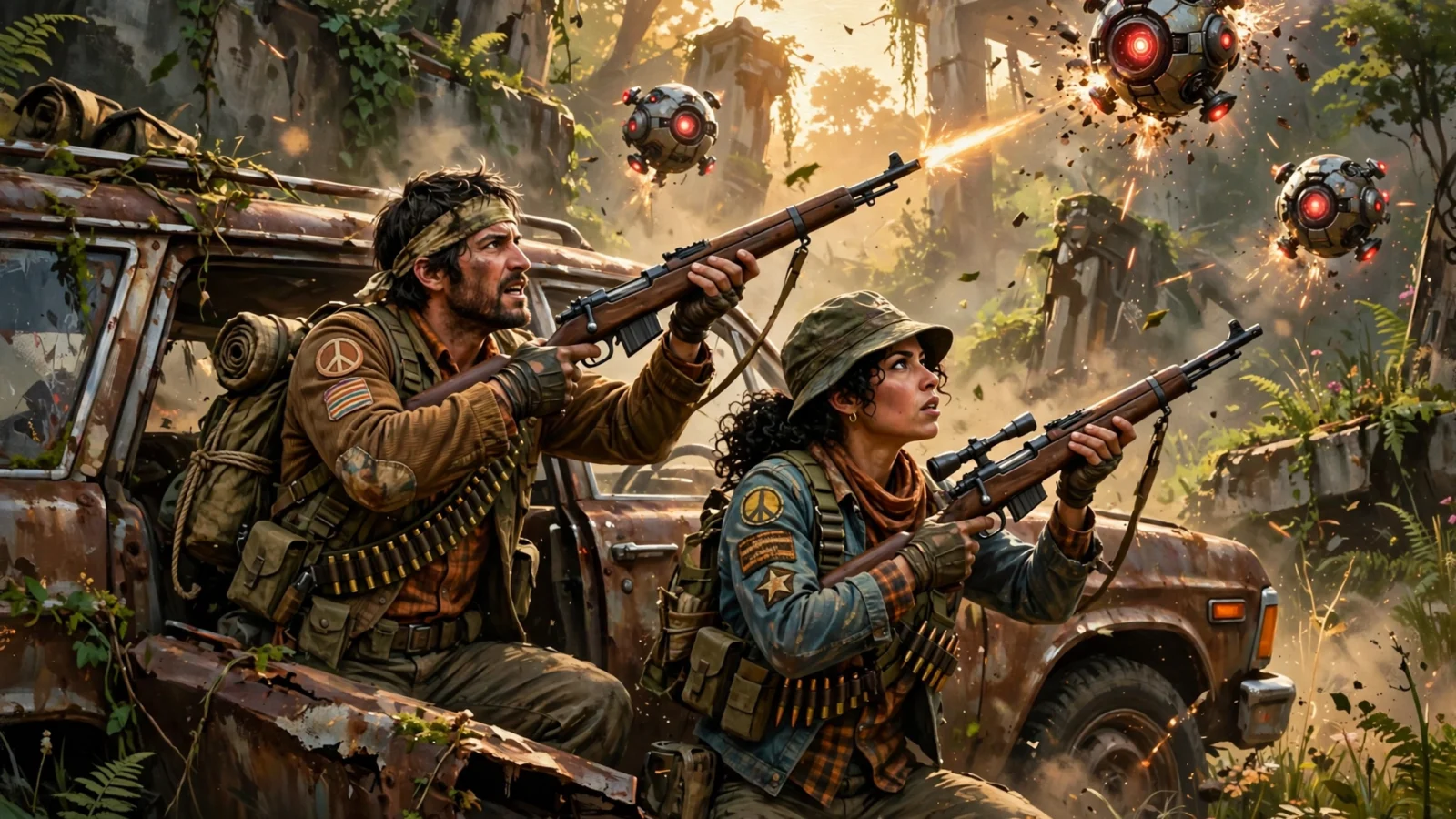
Quick answer: Start on Medium quality at your monitor’s native resolution, with upscaling on Quality, motion blur off, and field of view around 90 to 100. The single most important beginner tip is to bring only gear you can afford to lose, move from cover to cover, and extract while your bag is still useful.
ARC Raiders does not punish you for missing one perfect shot. It punishes you for going in without a plan, with settings that hide enemies, and with a backpack full of things you do not need. This ARC Raiders best settings and beginner tips guide fixes all three at once: a clear starting setup, a simple raid routine, and the mistakes to stop making in your first week.
If you only remember one rule, make it this one: stability first, looks second. A smooth, readable picture helps you spot movement, hit shots, and get out alive. A prettier picture that stutters at the worst moment does not.
What most ARC Raiders guides miss
Many of the top settings guides stop at graphics menus. Many beginner guides stop at general advice such as “play carefully.” Neither helps much on its own. What new players actually need is the link between the two: settings that make the game easier to read, a loadout you can afford to lose, a route through a raid, and a clear moment to leave. That is the gap this guide fills, and it is why the settings below are paired with a first-raid routine rather than left as a list of numbers.
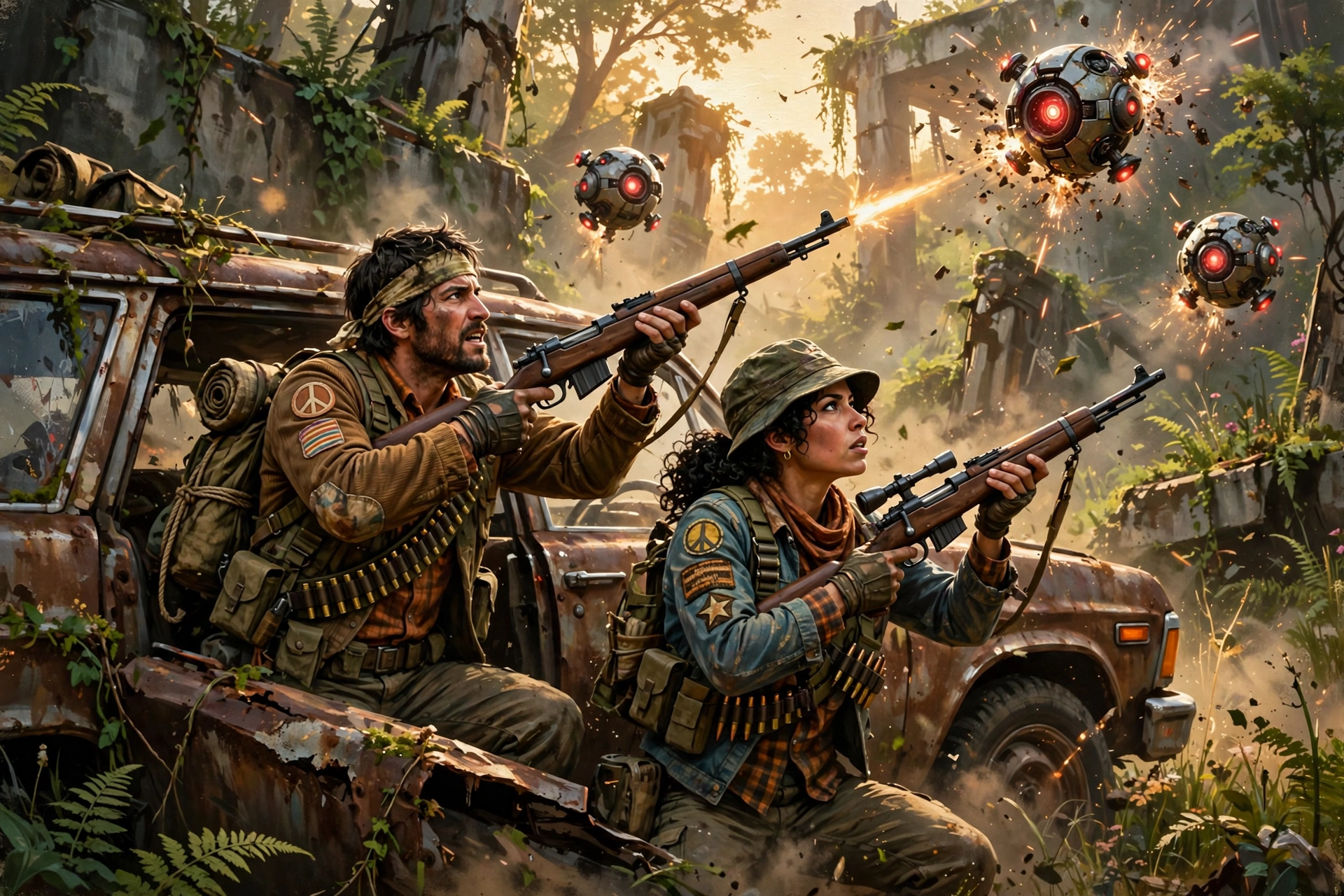
ARC Raiders best settings: a sensible starting point
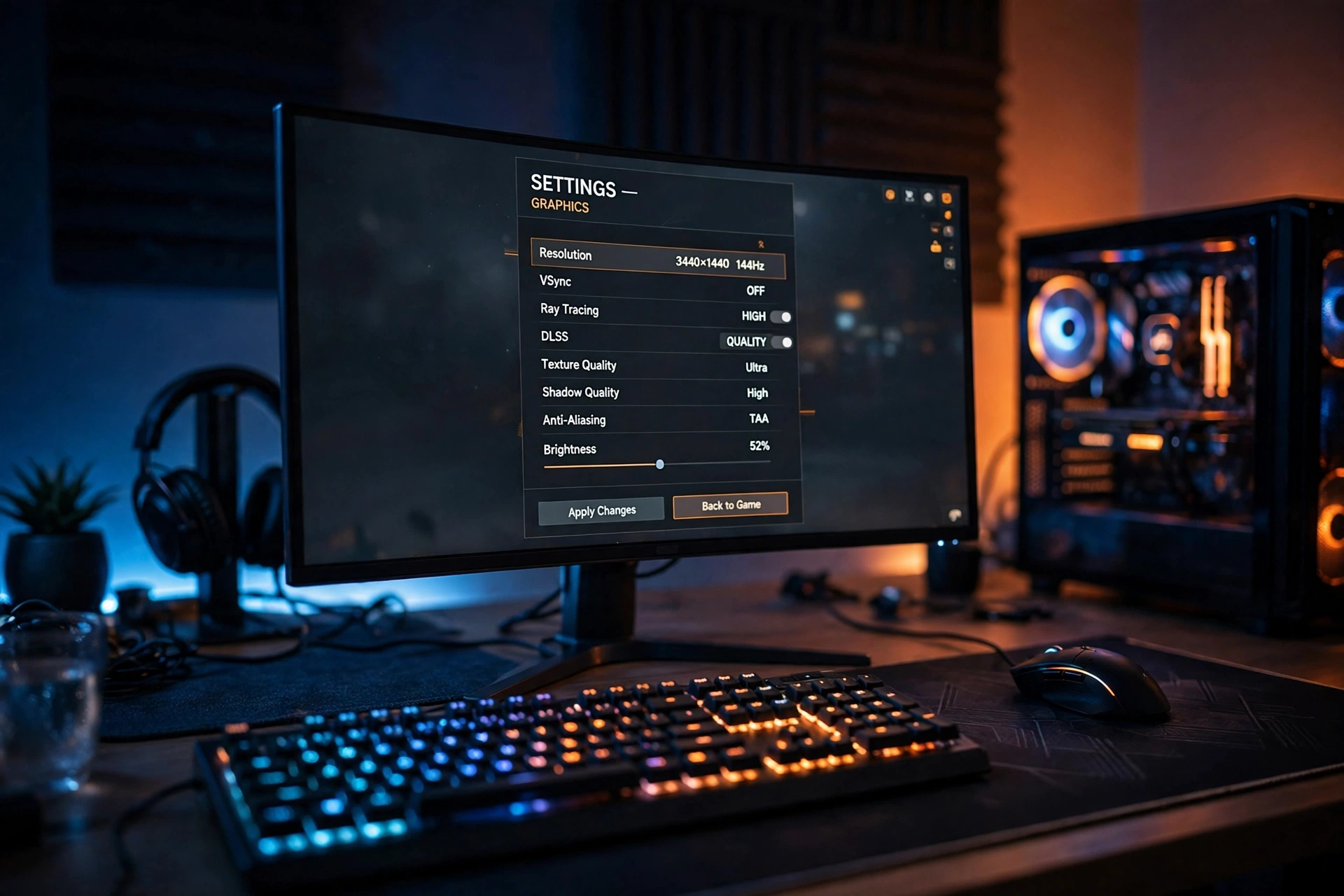
Use these as a starting point on PC, then change one setting at a time and test it in a raid. If you change five things at once, you will never know which one helped or hurt. For a deeper, performance-focused breakdown, see our ARC Raiders Best Settings for Max FPS (2026 Guide).
- Resolution: use your monitor’s native resolution. Lower it only if the game still stutters after the steps below.
- Overall quality: start on Medium, or High if you have a strong graphics card. Medium is the right home for most beginners.
- Upscaling: DLSS, FSR, or XeSS on Quality is the first lever to pull when you need frames back. Drop to Balanced only if you must.
- Frame rate limit: cap a few frames below your monitor’s refresh rate if you use a variable refresh display. This keeps motion smoother than an uncapped, jumping frame rate.
- V-Sync: off in game when you use a variable refresh display, to keep input feeling direct.
- Motion blur, film grain, and chromatic aberration: turn these off or right down. They make the picture look busy and hide small movement.
- Shadows and volumetric effects: lower these first when you need performance. They are heavy settings and rarely help you spot an enemy.
- Textures: Medium or High is safer on 6 to 8 GB graphics cards, while High suits cards with more video memory.
- Field of view: around 90 to 100 is a good beginner range. Wider helps awareness, but too wide can make distant targets feel tiny.
- Frame generation: useful only once your base frame rate is already solid. It will not rescue a game that is already struggling.
On console, the same idea applies in simpler form: pick the performance mode if one is offered, turn off motion blur and camera shake if the options are there, and keep your brightness high enough to see into shadows without washing out the whole scene.
Beginner tips: how a raid actually works
ARC Raiders is an extraction shooter. You drop into a map, loot and fight, and then you must reach an extraction point and leave with what you found. Loot only counts if you get out. That single fact should shape every decision you make.
Before you drop in
- Bring gear you can afford to lose. Your first raids are for learning, not for showing off rare kit. If losing it would ruin your evening, leave it in the stash.
- Take a reliable weapon, healing, and enough ammunition. Fancy attachments matter less than a gun you can control and a way to recover after a fight.
- Know your extraction options before you land. Glance at the map, pick a likely route, and note a backup extraction in case your first choice is busy.
- Play your first few raids slowly. Learn one map at a time: its landmarks, its danger spots, and where players tend to cross.
During the raid
- Move from cover to cover. Short moves, a pause to listen and look, then move again. Long sprints across open ground are how most beginners die.
- Listen before you loot. ARC machines and other raiders both make noise. If a building sounds busy, it probably is.
- Loot with a purpose. Grab healing, ammunition, and useful crafting materials first. Leave the low-value clutter that fills your bag and slows you down.
- Do not fight every sound you hear. A fight you avoid is gear you keep. Fight when you have cover, a reason, and a way out.
- Watch the clock and your bag. The best loot in the world is worthless if you are still on the map when you should already be heading for extraction.
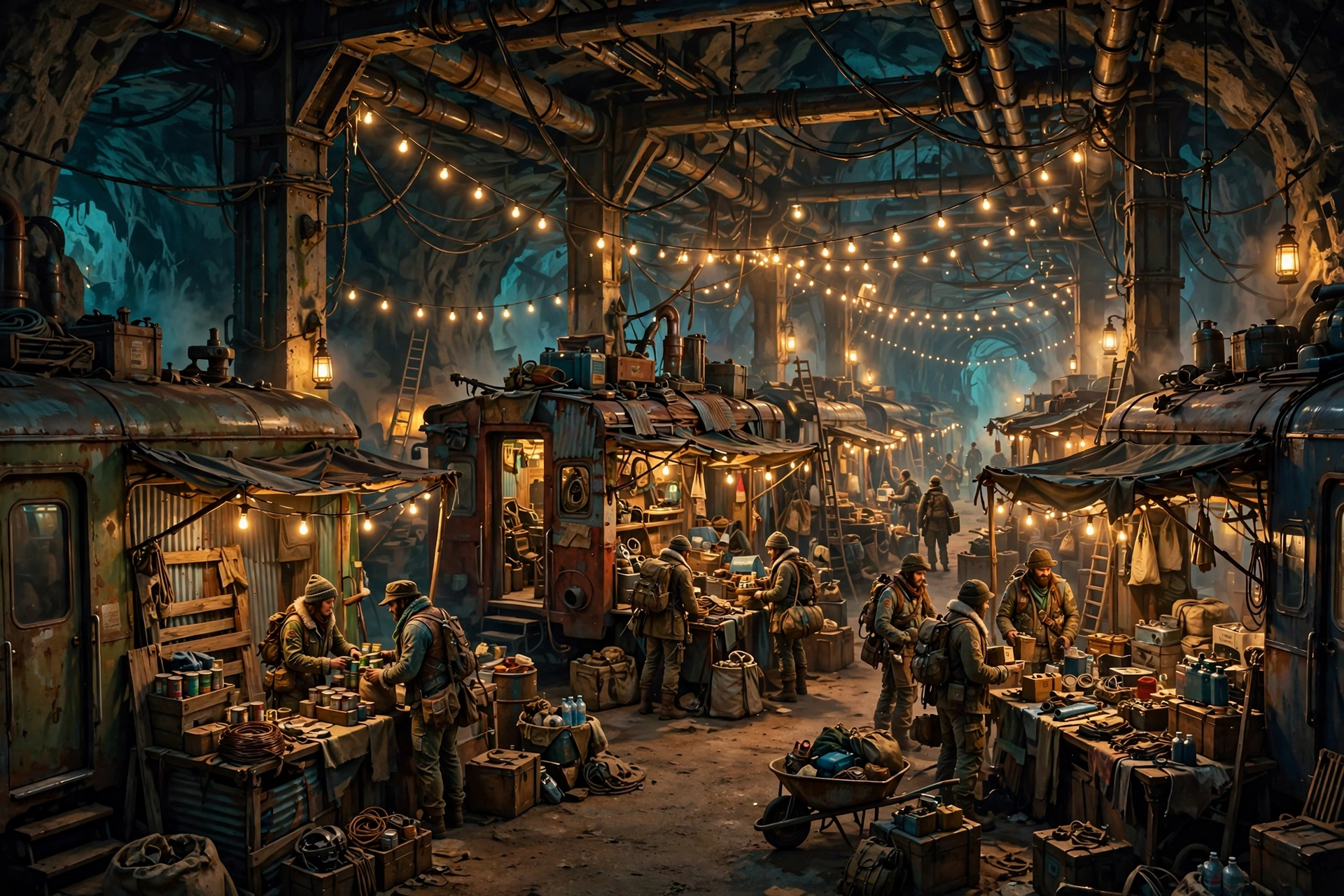
Loot, stash, and extraction priorities
Between raids, be honest about your stash. Keep weapons you actually use, healing you actually carry, and materials for upgrades you are working toward. Sell or use the rest. A full stash is not progress if it is full of things you will never take into a raid.
When you extract, think in this order: first, get out alive; second, bring home healing and ammunition for the next raid; third, bring home upgrades and valuable loot. Beginners often reverse that order, chase one more room, and lose everything.
Fighting ARC machines and other raiders
ARC machines are dangerous, but they are also predictable once you learn them. Watch their patterns, use cover, and do not stand still while you shoot. Other raiders are the bigger unknown: they may be friendly, cautious, or ready to take your loot. Do not assume, and do not trust a stranger with your back until they have earned it.
If a fight goes wrong, leaving is a skill, not a failure. Break line of sight, use cover, heal when you are safe, and head for extraction. The same calm, cover-to-cover habits help in other shooters too, as our Battlefield 6 Beginner’s Guide: Tips, Classes & Settings and PUBG Beginner’s Guide: Win Your First Chicken Dinner both show, even though the pace and objectives are different.

Your first-raid checklist
- Settings set: native resolution, upscaling on Quality, motion blur off, FOV around 90 to 100.
- Loadout checked: a weapon you can control, healing, and enough ammunition.
- Route planned: a main extraction and a backup extraction.
- Goal set: learn the map and extract safely, not clear every building.
- Exit rule agreed: when the bag is useful or the map gets too hot, head out.
Beginner mistakes to avoid
- Copying a streamer’s sensitivity and settings without testing them yourself.
- Bringing your best gear into a map you do not know yet.
- Looting in the open while enemies are nearby.
- Chasing gunfire for a fight you do not need.
- Waiting too long to extract and losing a full bag to one bad fight.
ARC Raiders rewards players who learn its maps, respect its extraction timer, and keep their setup readable. If you are still deciding whether the extraction genre is for you, our ARC Raiders vs Marathon: Player Counts Tell the Story shows why ARC Raiders has drawn such a large crowd. Start steady, extract often, and let the better gear come to you.
ARC Raiders beginner FAQ
What are the best settings for ARC Raiders beginners?
Start on Medium quality at your monitor’s native resolution, with upscaling on Quality, motion blur off, and a field of view around 90 to 100. Then lower shadows and volumetric effects first if you need more frames.
Should beginners play ARC Raiders solo or with a squad?
Solo is a good way to learn a map at your own pace, but a squad makes early raids more forgiving. If you play solo, be even more careful about fights and extraction timing.
What happens if I die in ARC Raiders?
You lose the gear you took into that raid, so only bring kit you can afford to lose while you are learning. That is why cheap, reliable loadouts are the smart beginner choice.
What should I loot first in ARC Raiders?
Healing, ammunition, and useful crafting materials first, then upgrades and valuable loot. Do not fill your bag with low-value items that slow down your route to extraction.
Is ARC Raiders better on PC or console for beginners?
Both work, and the best choice is the platform you are already comfortable on. PC gives you more graphics and control options, while console play is simpler to set up. Pick the performance mode on console if one is offered.